iPhone Wallpaper Size for the Lock Screen: Zones, Depth Effect and Exact Pixels
Matching the iphone wallpaper size to your model settles only part of the problem, because a Lock Screen is not a blank rectangle. The clock sits across its upper part, a row of widgets can sit beneath the clock, and the flashlight and camera shortcuts anchor the bottom corners — so a picture can match the panel exactly and still hide a face behind the time.
This guide therefore works from the screen furniture outwards. The verified pixel size for each model comes first, then the zones that furniture occupies, then the framing choices that keep a subject clear of the clock, readable behind widgets, and eligible for the layered depth look.
Every resolution printed below is a display resolution published by Apple for that model, quoted in portrait order as width by height. Where the current line-up has moved on since older charts were drawn — a new Pro generation, a new entry model, and a folding phone with two screens — the chart says so and gives the new figures.
What Are iPhone Wallpaper Dimensions?
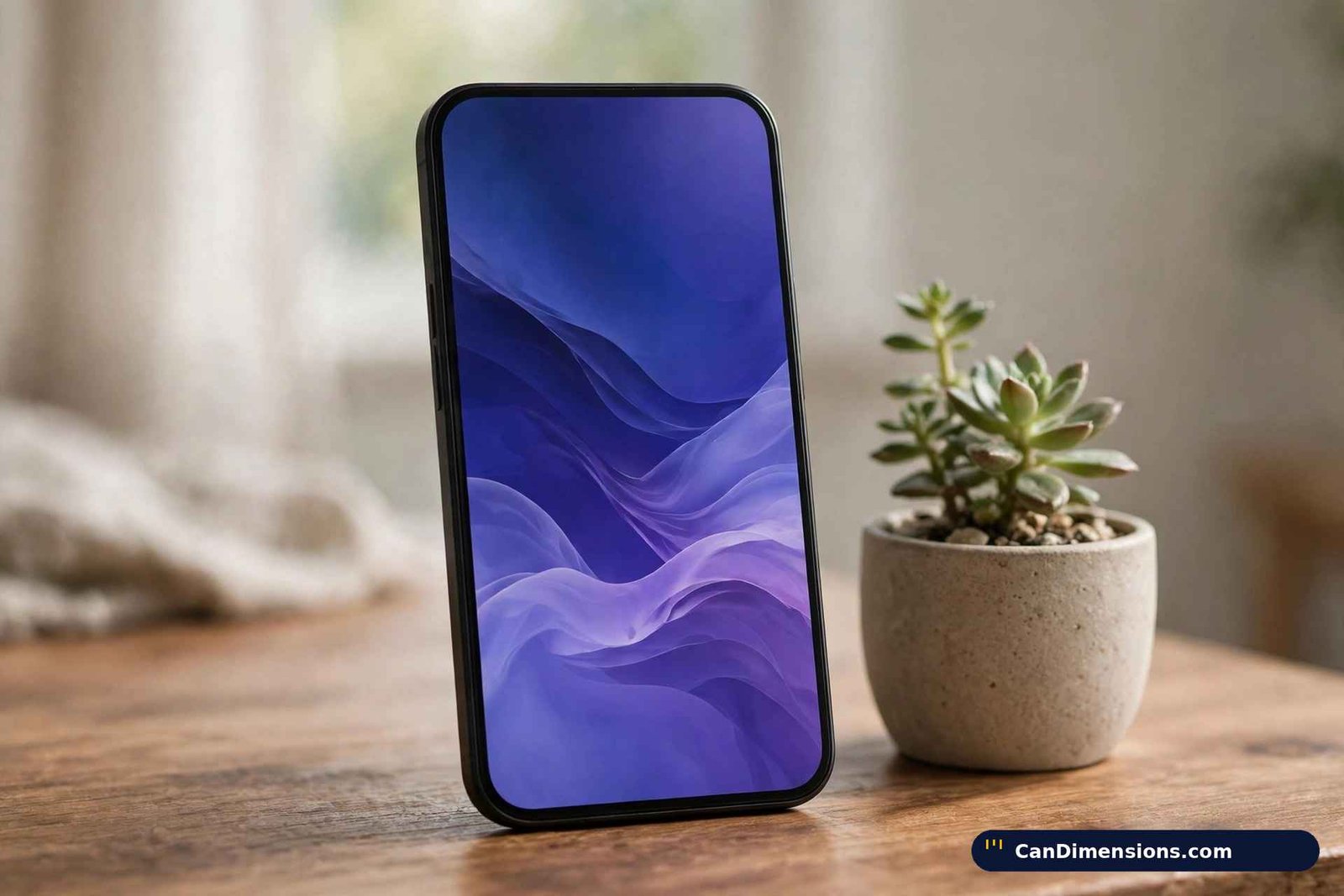
A wallpaper file earns its sharpness from one match: its pixel count against the panel’s pixel count. The iPhone 15 Pro, to borrow the familiar example, renders 1179 × 2556 pixels, so a file built at 1179 × 2556 lands one image pixel on one screen pixel. Feed the same screen a smaller file and the phone stretches it, which reads as softness. Feed it a larger file and the phone discards the surplus while scaling down, which costs nothing in quality.
Resolution and wallpaper size are therefore a single figure stated twice, and this page treats them that way throughout. One inherited claim needs retiring at the outset: the idea that the system secretly works with a slightly larger canvas because the picture drifts as the handset tilts. That oversize recipe belongs to an earlier era of the software. No current Apple specification publishes a second, bigger wallpaper figure for any model, and the Lock Screen editor frames to the visible rectangle, so the panel resolution is the whole target.
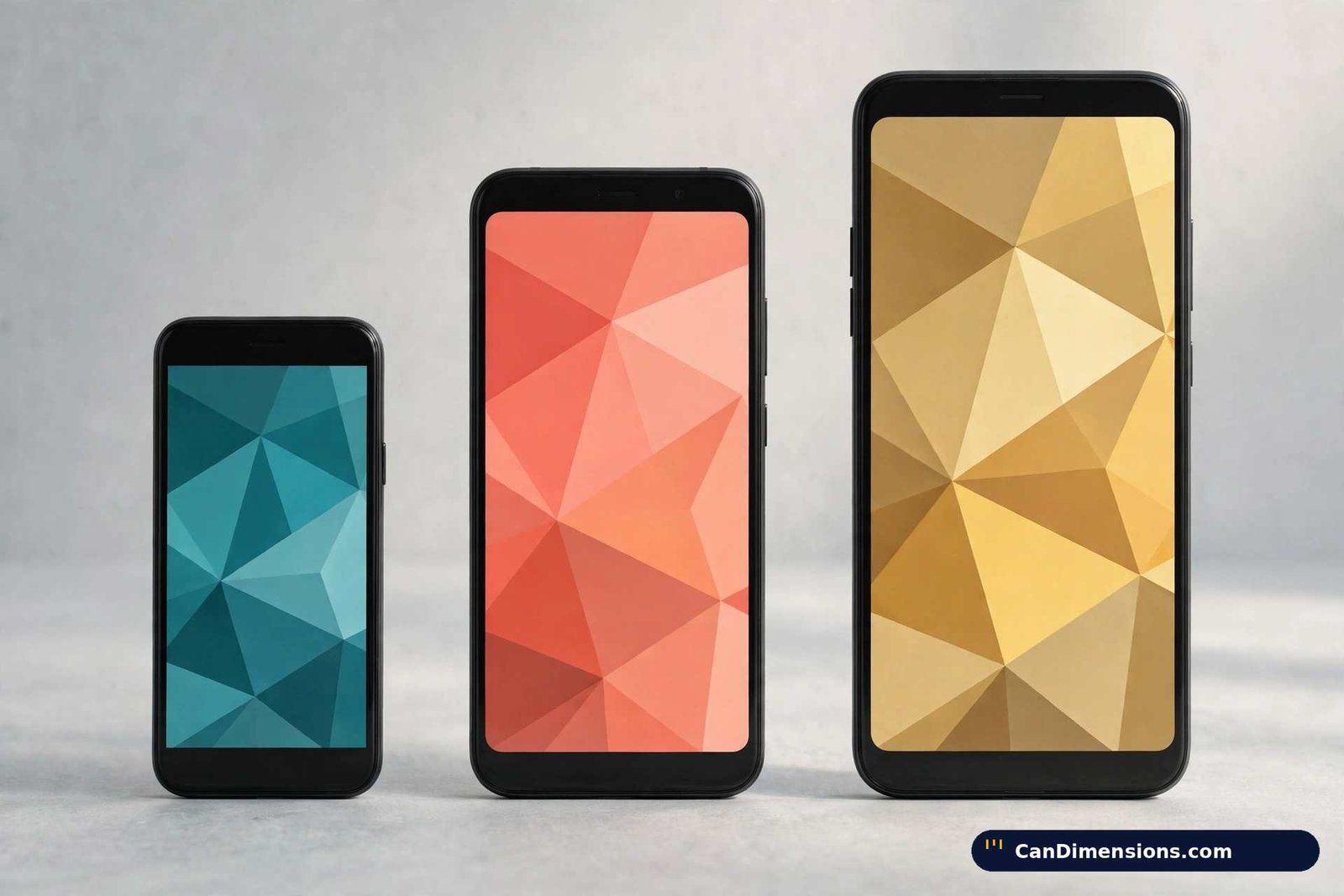
Density explains why two screens of similar physical size can demand different files. Panels in this chart run from 326 pixels per inch on the oldest designs to 460 on the current ones, with a few historical outliers on either side of the usual figures. Density never changes what you export — the pixel dimensions already contain it — yet it decides how forgiving a slightly small file will look. Exactness is a habit this site applies everywhere: a trading card either matches the sleeve or it does not, as the pokemon card dimensions guide shows in millimetres, and a wallpaper either matches the panel or it is an approximation.
iPhone 18 Pro Series and iPhone Duo (2026)
| Model | Screen | Wallpaper size (portrait) | Density |
|---|---|---|---|
| iPhone 18 Pro Max | 6.9″ | 1320 × 2868 px | 460 ppi |
| iPhone 18 Pro | 6.3″ | 1206 × 2622 px | 460 ppi |
| iPhone Duo (inner display) | 7.6″ | 1878 × 2670 px | 430 ppi |
| iPhone Duo (outer display) | 5.4″ | 1398 × 2034 px | 460 ppi |
September 2026 brought the current flagships, and their panels repeat the sizes directly beneath them in this chart: the 18 Pro keeps 1206 × 2622 and the 18 Pro Max keeps 1320 × 2868, so a file prepared for the previous Pro generation fits the new one precisely. The genuinely new case is the Duo, a folding phone carrying two distinct displays. Each of its screens takes its own wallpaper at its own resolution, quoted here exactly as Apple publishes the pair, and neither figure resembles any slab phone in the chart.
iPhone 17 Series, iPhone Air and iPhone 17e (2025–2026)
| Model | Screen | Wallpaper size (portrait) | Density |
|---|---|---|---|
| iPhone 17 Pro Max | 6.9″ | 1320 × 2868 px | 460 ppi |
| iPhone Air | 6.5″ | 1260 × 2736 px | 460 ppi |
| iPhone 17 Pro | 6.3″ | 1206 × 2622 px | 460 ppi |
| iPhone 17 | 6.3″ | 1206 × 2622 px | 460 ppi |
| iPhone 17e | 6.1″ | 1170 × 2532 px | 460 ppi |
Two details in this generation catch people out. The standard 17 grew into the 6.3-inch panel, so it shares 1206 × 2622 with the 17 Pro rather than inheriting the older 6.1-inch size. The later 17e, by contrast, kept the 6.1-inch panel at 1170 × 2532 — the same figure carried by several earlier generations — while the thin Air sits alone at 1260 × 2736.
iPhone 16 Series (2024)
| Model | Screen | Wallpaper size (portrait) | Density |
|---|---|---|---|
| iPhone 16 Pro Max | 6.9″ | 1320 × 2868 px | 460 ppi |
| iPhone 16 Pro | 6.3″ | 1206 × 2622 px | 460 ppi |
| iPhone 16 Plus | 6.7″ | 1290 × 2796 px | 460 ppi |
| iPhone 16 | 6.1″ | 1179 × 2556 px | 460 ppi |
| iPhone 16e | 6.1″ | 1170 × 2532 px | 460 ppi |
The 16e deserves its line because summaries routinely fold it into the 16. Nine pixels separate the two 6.1-inch panels in each direction — 1170 × 2532 against 1179 × 2556 — close enough that a mistaken file still looks respectable, yet only one of them is the exact fit.
iPhone 15 Series (2023)
| Model | Screen | Wallpaper size (portrait) | Density |
|---|---|---|---|
| iPhone 15 Pro Max | 6.7″ | 1290 × 2796 px | 460 ppi |
| iPhone 15 Pro | 6.1″ | 1179 × 2556 px | 460 ppi |
| iPhone 15 Plus | 6.7″ | 1290 × 2796 px | 460 ppi |
| iPhone 15 | 6.1″ | 1179 × 2556 px | 460 ppi |
iPhone 14 Series (2022)
| Model | Screen | Wallpaper size (portrait) | Density |
|---|---|---|---|
| iPhone 14 Pro Max | 6.7″ | 1290 × 2796 px | 460 ppi |
| iPhone 14 Pro | 6.1″ | 1179 × 2556 px | 460 ppi |
| iPhone 14 Plus | 6.7″ | 1284 × 2778 px | 458 ppi |
| iPhone 14 | 6.1″ | 1170 × 2532 px | 460 ppi |
Within this one generation the two branches part company: Pro models adopted the newer panels while the standard 14 held 1170 × 2532, and the 14 Plus used 1284 × 2778 at 458 ppi rather than the 460 ppi printed beside it in some copies of this chart.
iPhone 13 & 12 Series
| Model | Screen | Wallpaper size (portrait) | Density |
|---|---|---|---|
| iPhone 13 Pro Max / 12 Pro Max | 6.7″ | 1284 × 2778 px | 458 ppi |
| iPhone 13 Pro / 12 Pro | 6.1″ | 1170 × 2532 px | 460 ppi |
| iPhone 13 / 12 | 6.1″ | 1170 × 2532 px | 460 ppi |
| iPhone 13 mini / 12 mini | 5.4″ | 1080 × 2340 px | 476 ppi |
Two density corrections live here. The paired Pro Max panels run at 458 ppi on Apple’s specification pages, not 460, and the minis run at 476 ppi — the tightest packing Apple has put in a phone, because almost a Pro panel’s worth of pixels had to fit inside 5.4 inches. The standard 13 and 12, absent from some circulating versions of this chart, use 1170 × 2532 like their Pro counterparts.
iPhone SE & 11 Series
| Model | Screen | Wallpaper size (portrait) | Density |
|---|---|---|---|
| iPhone SE (3rd Gen) | 4.7″ | 750 × 1334 px | 326 ppi |
| iPhone 11 Pro Max | 6.5″ | 1242 × 2688 px | 458 ppi |
| iPhone 11 Pro | 5.8″ | 1125 × 2436 px | 458 ppi |
| iPhone 11 | 6.1″ | 828 × 1792 px | 326 ppi |
The last row holds the chart’s largest single inherited error. The iPhone 11 pairs its 828 × 1792 resolution with a 326 ppi LCD panel; versions of this table that print 460 ppi beside it have copied a density from a newer phone. Screen inches, incidentally, always describe a diagonal — a shorthand of the same kind as the note length in our dollar bill dimensions guide, where one figure names the long edge of a rectangle rather than its full shape. Pixels, not inches, are the unit a wallpaper file is built in, a distinction the 24 inches measuring guide makes for physical objects and this chart makes for screens.
The Lock Screen Safe Zones: Clock, Widgets and the Bottom Bar
Treat the Lock Screen as three horizontal bands and most framing failures explain themselves. The upper band belongs to the date and the clock, rendered large across the top portion of the display. Anything placed there — a forehead, a rooftop, a line of text inside the photograph itself — will be read through the time. Keep that band plain: sky, water, foliage, gradient, anything without a subject competing for the same space.
The middle band is where a photograph should do its work. A subject centred slightly below the halfway line survives every overlay the system adds, because the widget row, when one is enabled, sits directly under the clock and pushes the contested territory a little further down the frame. Readers who run no widgets gain that strip back, which is why the same picture can look balanced on one handset and crowded on another: the furniture differs, not the file.
The lower band carries the flashlight and camera shortcuts in the bottom corners and the home indicator along the bottom edge. Corners are the vulnerable part — a signature, a pet’s face, a second subject tucked into a corner will share its space with a round shortcut button. Compose with the corners treated as spent, keep the bottom edge free of anything essential, and the picture that remains inside those margins is the picture the owner actually sees each time the phone wakes.
How to Find Your iPhone Wallpaper Dimensions?
Four checks will pin down the exact figure for the handset in your hand, and the first of them starts with the name the phone calls itself.
Method 1: Check Your Model Number
Open Settings, tap General, then About, and read the Model Name entry — it will read something like iPhone 14 Pro. Find that name in the chart above and its row hands you the size.
Ten seconds in the settings settles the question with no guesswork and no extra software. Read the name carefully on recent handsets: an 18 Pro and a 17 Pro share a wallpaper size, while a 17 and a 17e do not, so the suffix letters carry the answer.
Method 2: The Screenshot Trick
Capture the screen by pressing the Side Button together with Volume Up. In Photos, open that capture and tap the circled i along the bottom edge of the screen.
The dimensions reported for that capture — “1179 × 2556”, say — describe your panel directly, since a screenshot is stored at the screen’s own resolution. This route needs no model knowledge at all, and it doubles as an audit: if the screenshot’s figures disagree with the row you picked from the chart, the chart row belongs to a different phone.
Method 3: Use a Wallpaper Detection App
Dedicated tools on the App Store exist for exactly this job: install one, launch it, and it reads the panel and reports the figures back to you.
File any such reading under cross-check, never verdict. A dedicated tool is convenient, and some bundle libraries of pre-sized images, yet the phone itself outranks every third party — where an app and your own screenshot disagree, the screenshot is the one describing your hardware.
Method 4: Check Apple’s Official Specs
Apple publishes a specifications page for every model on its support site. Open the page for yours, scroll to the Display heading, and note the resolution printed there — Apple writes it tall-side first, as in “2556-by-1179-pixel resolution”, so the narrower figure becomes the width of your portrait file.
Owners who picked up a used handset lean on this route most, since the page confirms the model independently of anything a seller claimed. Search by the model name rather than the code on the casing; the specification pages are organised by name, and the name is what the chart above is indexed by.
Framing a Photo So the Depth Effect Works
The layered look — a subject passing in front of the clock while the background stays behind it — is the one Lock Screen effect that framing alone can win or lose. The editor offers the effect for photographs whose subject it can separate cleanly from what sits behind, and it withdraws the offer when widgets occupy the strip below the clock. Both conditions are visible before you save, so treat the preview as the test rather than hoping the finished screen agrees.
Composition decides the rest. The subject’s highest point has to reach into the clock band for any overlap to happen, yet the eyes or the defining detail should sit below that band, so the digits cross behind a shoulder, a hat brim or a roofline instead of across a face. A background that contrasts with the subject — darker against lighter, plainer against busier — gives the separation more to work with. Portraits shot with a blurred backdrop are the natural candidates, precisely because the depth separation was already drawn by the camera.
When the toggle never appears, work through the short list of causes before blaming the file: a widget row is present, the subject stops short of the clock band, the photograph is an abstract pattern with no foreground subject to lift, or the image has been zoomed so far during positioning that the editor no longer frames it as a layered photo. Each cause has a framing answer, and none of them is solved by exporting a bigger file.
How Much Resolution Do You Actually Need? Cropping a Camera Photo Down
Most wallpapers begin life as camera photographs, and camera photographs arrive in the wrong shape: a standard phone photograph is a 4:3 frame, while the screens in the chart are tall 19.5:9-class rectangles. Filling the screen therefore means surrendering the sides of the photograph. The useful question is not whether cropping happens but how much of the frame survives it — on a tall screen, a little over half the width of a 4:3 shot carries through, with the middle strip doing all the work.
Resolution stops being the worry almost immediately. Even an older phone camera captures several times the pixels of any panel in the chart, so a centred crop still leaves more pixels than the screen can show, and the surplus is what lets you slide the crop window up or down to rescue a subject from the clock band. The genuine risks are different: a group photograph whose outer faces fall outside the surviving strip, and a subject photographed too tightly to leave plain space above it. Both are shooting problems, not file problems, and both are cheaper to fix at capture — step back, leave headroom — than at the editor.
The same trimming logic governs print, where our magazine dimensions guide works through page trims in inches; here the trim is measured in discarded pixels instead. Work from the largest original you hold, crop to the panel’s shape first, and export at the chart figure only at the end — scaling before cropping throws away pixels you might have wanted in the frame.
Lock Screen and Home Screen: One Size, Two Different Jobs
A paired wallpaper uses a single file for both screens, yet the two screens judge it differently. The Home Screen lays a grid of app icons across nearly the whole picture, so fine detail and busy texture dissolve into noise behind the icons, and high-contrast patterns fight the labels. What survives there is broad shape and calm colour — the lower two-thirds of the photograph function mostly as a tinted backdrop.
That asymmetry suggests a division of labour when you set the pair. Judge the photograph first as a Lock Screen, where it will be seen whole, clock and widgets aside. Then check the Home Screen preview for the two failures that matter: an icon row landing on the subject’s face, and a background busy enough to swallow icon labels. A slight darkening or blur applied to the Home Screen copy — an option the editor offers when the pair is set — resolves the second failure without touching the Lock Screen version. One size serves both screens; one treatment rarely does.
FAQ’s
Is 16:9 wallpaper size?
Only on the older, smaller handsets. The SE design at 750 × 1334 sits in that family of proportions, while every mainstream model from the 12 onward uses a taller shape of roughly 19.5:9. A true 16:9 file on a current phone is cropped at the edges or shown with bars.
What is the iPhone 17 wallpaper size?
That generation is on sale and its figures are published: 1206 × 2622 for the 17 and the 17 Pro, 1260 × 2736 for the Air, 1320 × 2868 for the 17 Pro Max, and 1170 × 2532 for the later 17e — each at 460 ppi.
Should I use 4:3 or 16:9 on iPhone?
Neither, on a current model. Build or crop to the exact pixel figure in the chart for your phone instead of choosing a named ratio; the SE line is the only one still near 16:9, and 4:3 belongs to older tablets.
How big is the iPhone 14 wallpaper?
1170 × 2532 pixels for the iPhone 14 itself. Around it in the same generation: 1284 × 2778 for the 14 Plus, 1179 × 2556 for the 14 Pro, and 1290 × 2796 for the 14 Pro Max.
What is the size of an iPhone 14 screen?
6.1 inches measured diagonally, carrying 1170 × 2532 pixels at 460 ppi. As everywhere in the chart, the inch figure is a diagonal across the display rectangle, not a height or a width.
Which iPhone has a 6.9 display?
Three generations of Pro Max now: the 16 Pro Max introduced the 6.9-inch panel, the 17 Pro Max retained it, and the 18 Pro Max keeps it again. All three render 1320 × 2868 at 460 ppi, so files move between them without resizing.
How to make picture fit wallpaper on iPhone 14?
In Settings, open Wallpaper and start a new Lock Screen, pick the photograph, and use a pinch to scale it and a drag to shift it until the subject sits clear of the time. Cropping beforehand to 1170 × 2532 removes the need to zoom at all.
How to make iPhone 14 wallpaper?
Begin in any image editor with a blank canvas sized 1170 × 2532, compose the design while leaving the upper fifth empty, and save it as a PNG when it is graphic-led or a JPEG when it is a photograph. Move the file across with AirDrop or iCloud Photos and set it from Settings > Wallpaper.
Conclusion
The Lock Screen reframes the whole sizing question. Panel resolution still sets the file — 1320 × 2868 at the top of the current range, 1206 × 2622 and 1179 × 2556 through the middle of it, 1170 × 2532 across the long-running generations, with the Air at 1260 × 2736, the minis and SE below, and the two-screen Duo quoted on its own terms. On top of that figure sit the working rules of this guide: a plain upper band for the clock, a subject centred below the halfway line, corners left to the shortcuts, and a foreground that reaches into the clock band only when you want the layered effect.
Confirm the model under Settings > General > About, cross-check with a screenshot when the name is uncertain, and distrust any table that still treats the newest generation as unreleased or hands the iPhone 11 a 460 ppi screen. Size the file exactly, frame it for the furniture, and even a moving live photo set as the Lock Screen’s still frame will sit as sharply as the panel allows.